Niva Follower Tips for Low Storage Phones
Plenty of capable Android phones ship with modest storage, and plenty more fill up over years of photos, videos, and messaging media. When space runs low, the whole phone suffers: updates fail, apps stutter, and the system warns constantly. Niva Follower itself is not a heavy app, but running it happily on a nearly full phone takes a little deliberate housekeeping.
This guide collects the habits that keep the Niva Follower social app running comfortably on low storage devices. Most of the steps benefit the entire phone, not just this one app, so an hour spent on them pays off everywhere.
Understand Where the Space Goes
Before deleting anything, look at Android's storage breakdown in Settings. It shows how much space apps, images, videos, and system files each occupy, and the biggest category is often a surprise. For most people, video and messaging media dwarf everything else, while individual apps like Niva Follower occupy a modest share.
That perspective matters because it stops you wasting effort. Trimming a small app's cache gains little if forty gigabytes of video sit untouched. Work on the largest categories first, and treat app-level steps as finishing touches rather than the main event.
Keep the App Cache in Check
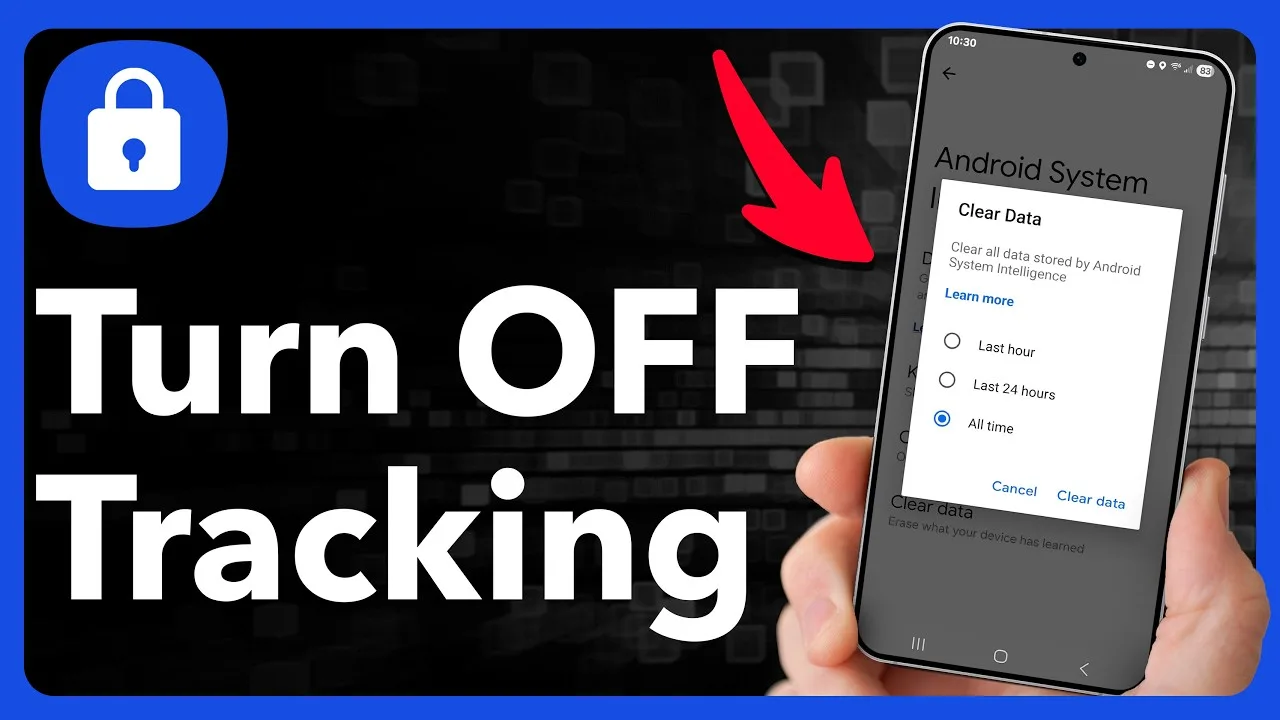
Within its modest footprint, the app's cache is the part that grows. Cached images and temporary files make screens load faster, but on a tight phone even a helpful cache deserves an occasional clear. Use the Storage page for Niva Follower in Android settings and choose Clear Cache; your account, balance, and history are unaffected because they are not stored there.
A monthly clear is a reasonable rhythm for low storage phones. If you clear it and the app feels briefly slower on the next launch, that is simply the cache rebuilding the files it genuinely needs, and it settles quickly. Phones in this class are discussed further in the Niva Follower device compatibility guide.
Make Room Before Updates
Updates need working room: space for the download, space for the installation, and space for the system to shuffle files safely. On a full phone, updates are often the first thing to fail, leaving you on an old version with growing problems. Keeping a permanent cushion of free space, even a modest one, prevents that trap entirely.
If an update is waiting and space is short, clear the largest easy wins first: the downloads folder, duplicate videos, and apps you no longer open. The step-by-step update routine in How to update Niva Follower on Android assumes that cushion exists, and it is what makes updating boring instead of stressful.
Move and Trim Media Regularly
Photos and videos are precious but bulky, and they do not all need to live on the phone forever. Back up favourites to a computer or cloud storage, then remove the local copies of the largest files. Messaging apps deserve a special look, since their folders quietly accumulate every received video and meme.
Build the habit monthly rather than waiting for the storage warning. Small regular trims are painless; emergency purges under pressure are where people accidentally delete things they wanted. A phone kept comfortably below full also performs better in every app, because Android needs free space as working room.
Session Habits That Help
On a low storage phone, everything competes for limited resources, so short focused sessions help Niva Follower run smoothly. Close other heavy apps before a session, avoid running big downloads in the background at the same time, and let the app finish loading a screen before tapping ahead. These habits cost nothing and noticeably steady the experience.
A weekly restart also earns its place in the routine. It clears temporary clutter across the system and gives every app, this one included, a clean start. Phones that are never restarted often carry weeks of accumulated sluggishness that one restart quietly removes.
Choosing What to Keep on the Phone
A low storage phone rewards deliberate choices about what earns a permanent place on it. Keep the apps you use weekly, the photos you actually revisit, and files you need offline. Be honest about the rest: games untouched for months, downloaded videos already watched, and duplicate copies saved by different apps are all candidates for removal that you will never miss. The goal is not a bare phone, just an honest one.
Revisit the question every couple of months, because phones drift back toward full as new media arrives. Each pass is quicker than the last once you know your own patterns. Users who adopt this mindset stop seeing storage warnings entirely, and apps like Niva Follower benefit quietly from the headroom on every single launch.
It helps to remember that a low storage phone is not a broken phone. Millions of people run full social lives on modest devices by keeping a little order, and the steps in this guide are the whole secret. The phone does not need to be new or large; it needs headroom, a cache that gets cleared now and then, and an owner who trims media before the warning appears instead of after. That combination is enough, and it stays enough month after month.
Final Thoughts
Low storage is a manageable condition, not a barrier. Keep a cushion of free space, clear the app cache monthly, trim media in small regular passes, and protect room for updates. With those habits, Niva Follower runs comfortably even on a modest phone, and the rest of the device feels better for the same care.